 NavoChat
Conversations & customers
Handle conversations in the Inbox
Review assigned conversations, customer context, and work that still needs attention.
Updated 2026-07-24For: Agents · Supervisors
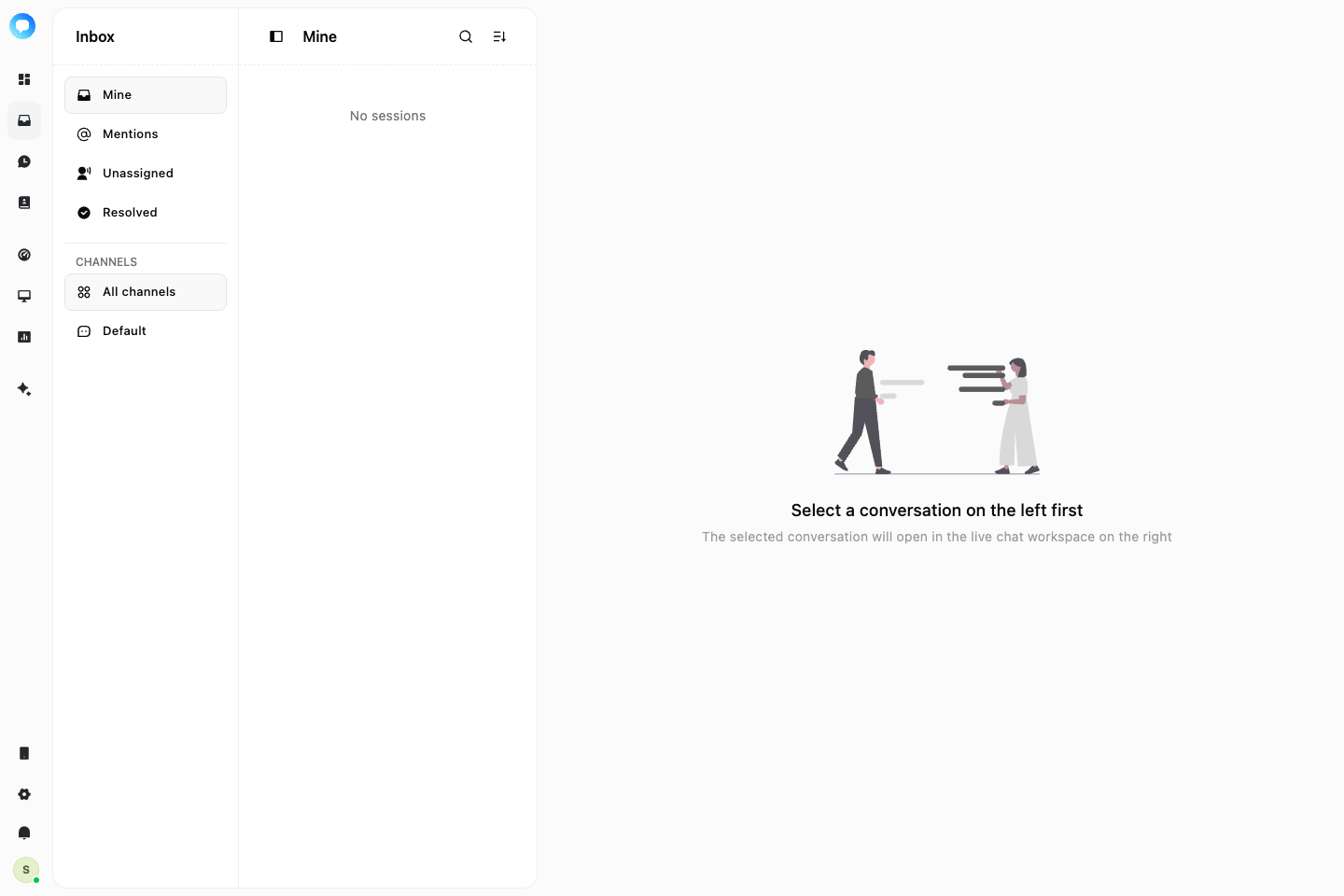
The Inbox shows conversations you are allowed to handle. The list locates work, the center shows messages, and the side panel contains customer, conversation, Copilot, and timeline context.
Steps
Filter the list
Use status, owner, or channel filters to narrow the Inbox. An unread marker means a customer message has not been reviewed.
Review context
Open a conversation, read recent messages, and check the customer and conversation details in the side panel.
Handle the request
Reply, add an internal note, or use Copilot to find information and prepare a draft.
Move the work forward
Transfer the conversation when another owner is needed, or close it when the issue is resolved.