 NavoChat
Conversations & customers
Use Copilot during a conversation
Ask Copilot to summarize a conversation, find information, or prepare an editable customer reply.
Updated 2026-07-24For: Agents · Supervisors
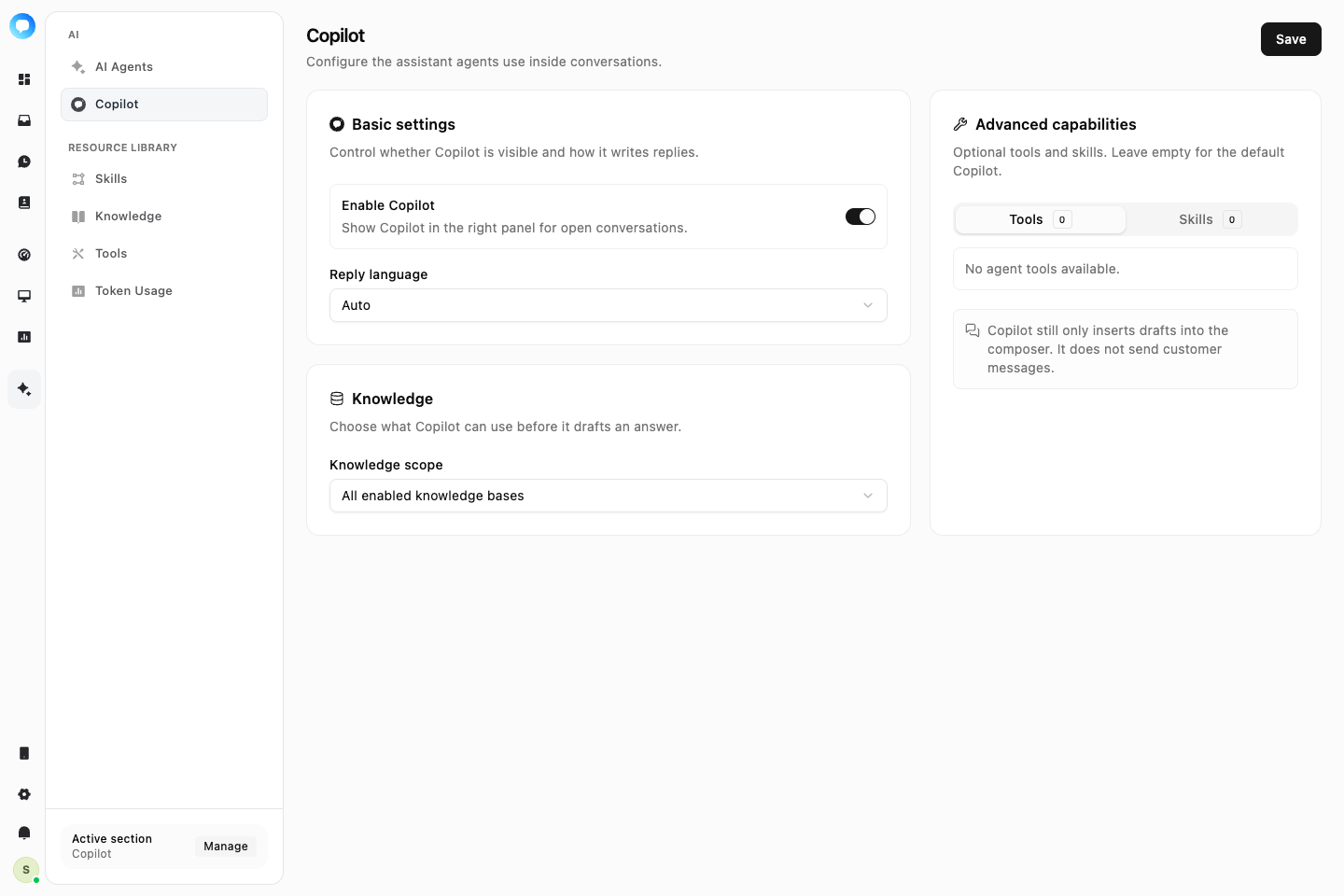
Copilot is available in the conversation side panel. It uses the current conversation and authorized knowledge, tools, and skills, but never sends a draft automatically.
Steps
Open Copilot
Select an open conversation and choose Copilot in the side panel.
Choose a task
Ask a question or use a suggested action such as Summarize, Find related information, or Draft a customer reply.
Review sources
When the answer cites knowledge or tools, confirm that the sources match the customer request.
Insert the draft
Choose Insert into composer, adjust facts and tone, then send the reply yourself.