 NavoChat
AI workspace
Maintain AI knowledge
Import, review, and update sources so agents and Copilot use reliable information.
Updated 2026-07-24For: AI managers · Content managers
Knowledge does not determine whether business content is correct. The team remains responsible for source quality, structure, and updates.
Steps
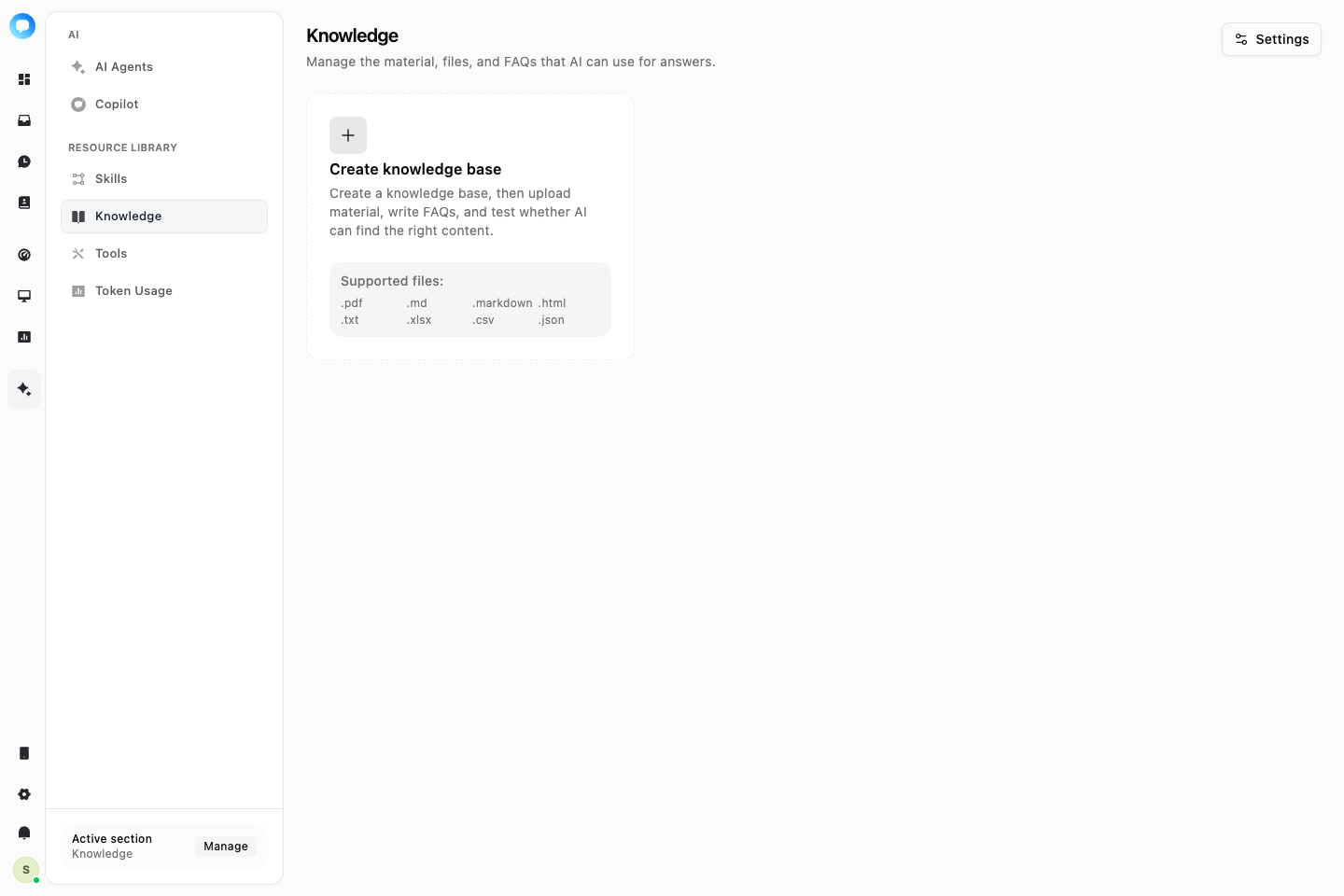
Create a knowledge base
Separate content by business boundary, such as product policy, support process, and technical guidance, instead of putting everything in one collection.
Add sources
Upload supported files with clear names. Do not use a source for live support until processing completes.
Review processing
Confirm successful status and inspect summaries or failures. Reprocess or replace a source when content changes.
Grant access
Connect the knowledge base to the required agent or Copilot configuration and test retrieval with realistic phrasing.
Test questions retrieve the correct source, answers match it, and outdated content is removed.