 NavoChat
AI workspace
Create an AI Agent
Create an agent that can support customers and test it before connecting a live channel.
Updated 2026-07-24For: AI managers
An agent combines a support identity, behavior, and access to resources. A channel can select only an available, saved agent.
Steps
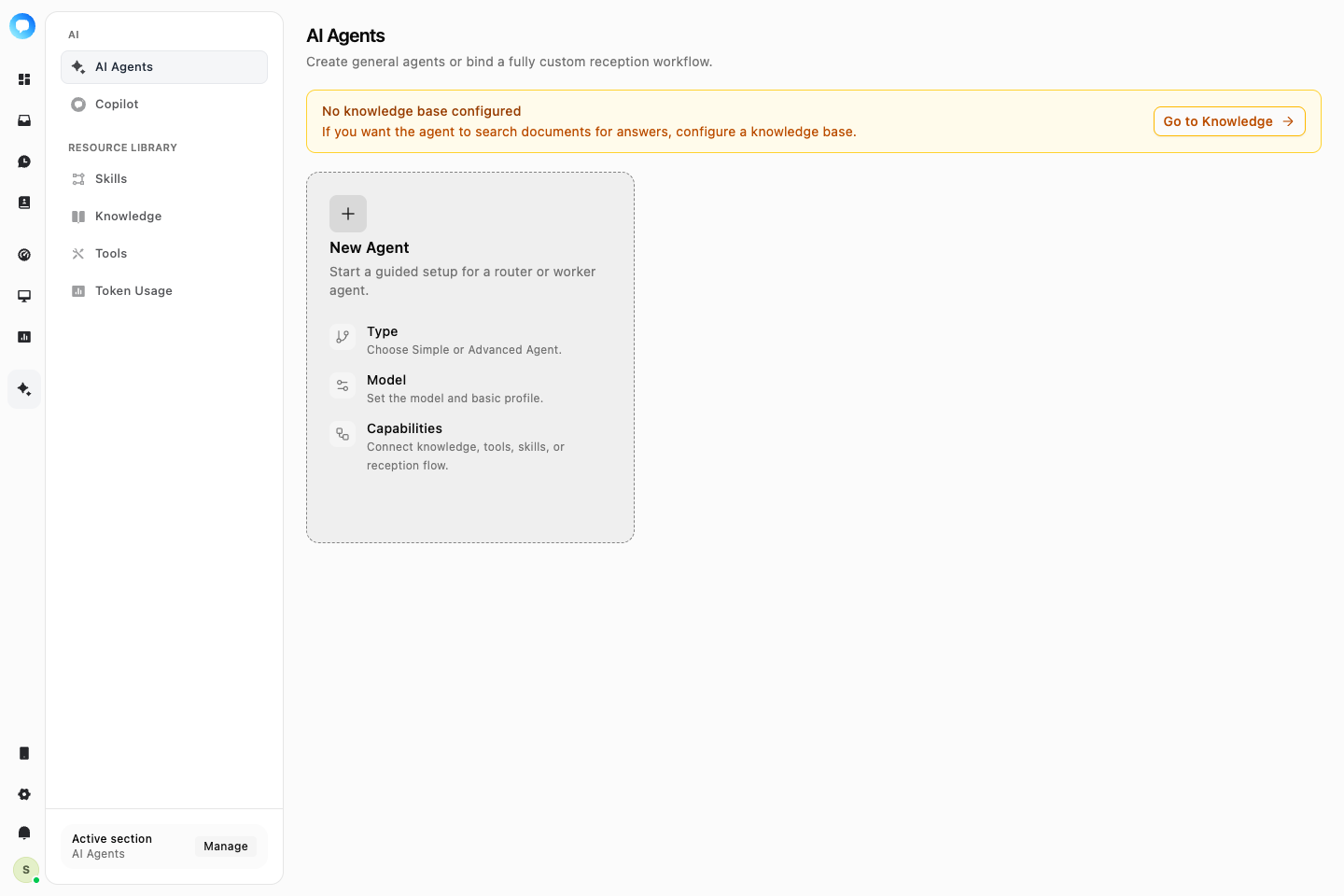
Open AI Agents
Go to AI → AI Agents and choose to create an agent.
Choose the setup
Use a simple agent for direct configuration. Use a reception flow when the agent needs multi-step decisions or actions.
Set identity and capabilities
Configure the name, support instructions, language, and allowed knowledge, tools, or skills.
Configure handoff
Define what happens when the agent cannot answer, the customer asks for a person, or the request is risky.
Save and test
Use realistic questions in the test panel and review the reply, sources, and handoff behavior.
The agent is saved, tested, and available in a channel's AI support configuration.